Characteristics
Self-weeding · two-step system · different garments. FREE Style Dark is self-weeding – no need to trim the paper. It works on cotton, cotton blends and 100% polyester.

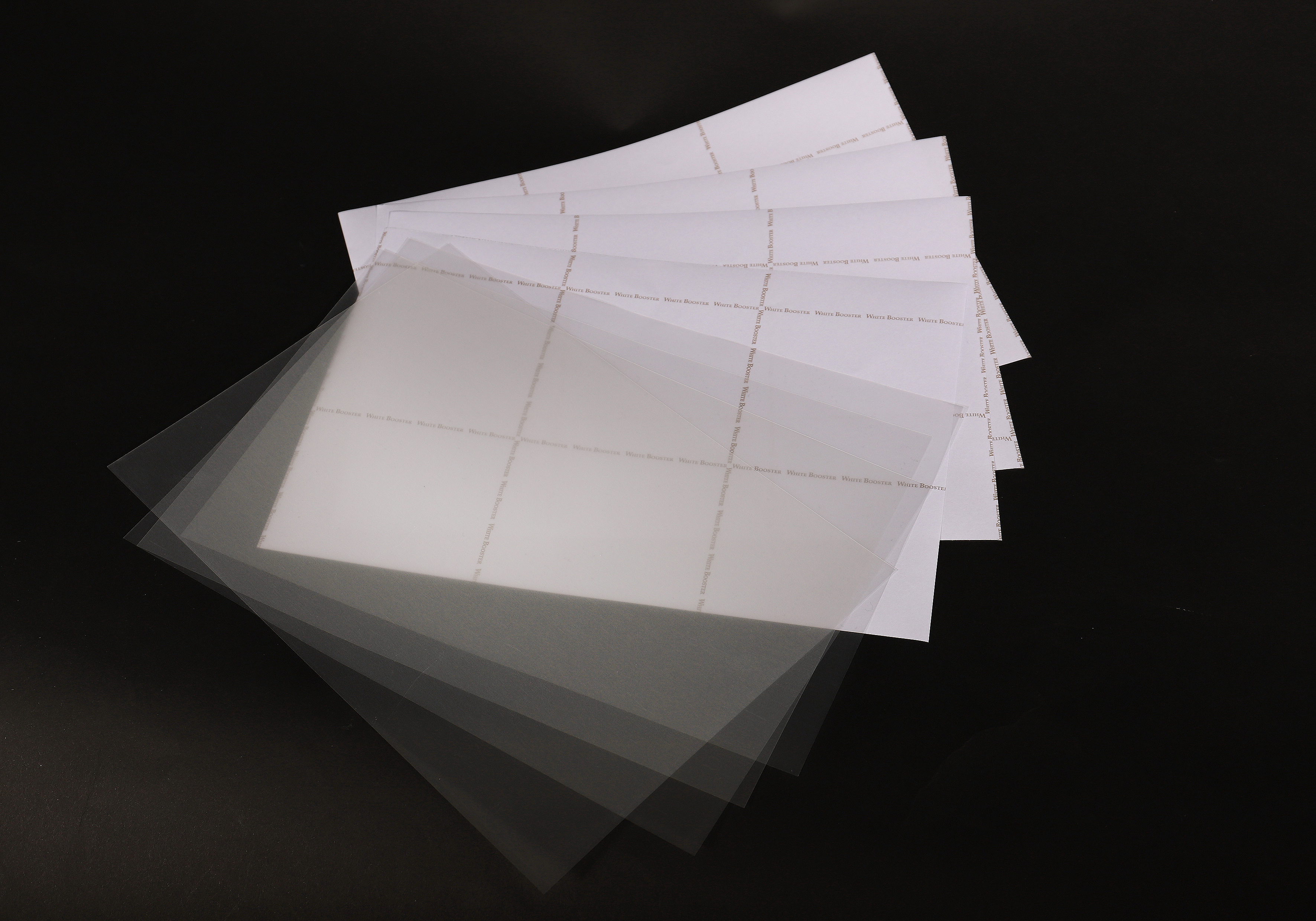
Laser self-weeding transfer paper for dark garments (OKI white toner)
Self-weeding two-step system for dark garments – for OKI white toner.
Individual terms · usually a reply within 1 business day
Technical data
Self-weeding · two-step system · different garments. FREE Style Dark is self-weeding – no need to trim the paper. It works on cotton, cotton blends and 100% polyester.
Easy handling · brilliant colours · soft hand. Designed to transfer isolated full-colour images, letters and numbers without trimming, in two steps. Brilliant colours and a soft hand without any background coating film; aligning the transparent transfer sheet is very easy.
Runs without exception on all OKI White Toner printers.
White toner opacity: −3 · paper tray: multi-purpose tray · paper mode: Transparency · mirror image: yes · printable film: matte side.
Medium pressure (2–3 bar) · 150°C / 300°F · if present, remove the teflon sheet from the lower platen.
Step 1: place the printed sheet on the press, cover with the white booster sheet and press 75 s; peel the booster after 3–10 s in a slow motion (keep the paper on the press). Step 2: place the sheet on the garment and press 45 s; remove, let cool and always peel cold. Cover the image with silicone/baking paper and press again 15 s to increase durability.
Max. wash at 40°C · do not tumble dry · do not bleach · do not iron the transferred area directly (cover the image with baking paper).